Previous Topic

Next Topic

Book Contents

Book Index

To find out how many Bovine PDs were done last year

This can be done by creating a Stock Analysis group for Cow Pregnancy Diagnosis, then running a marketing search by analysis group for a specified date range.

Within this analysis group you would include all your Professional Fees associated with Cow Pregnancy Diagnosis.
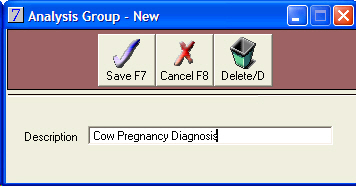
To Set Up a Stock Analysis group

  1. Go to Stock > Analysis Group > Insert.
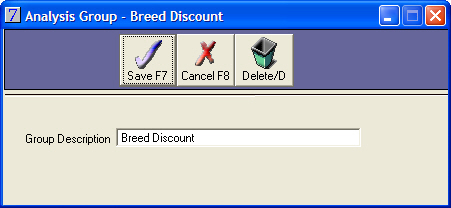
  2. Insert the name of this group.
  3. Click Save.

To add the stock items to the Analysis Group

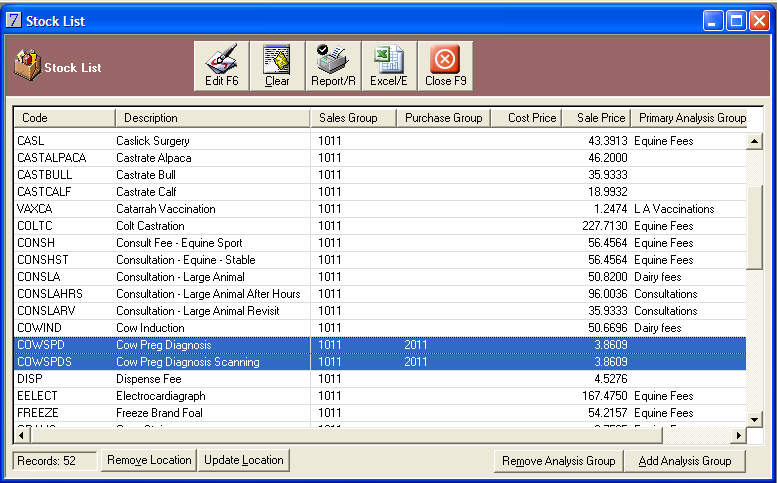
  1. Go to Stock > Reports > Stock List > All
  2. Hold down the CTRL key and click on each stock item. All selected stock items should be highlighted.

  3. Click Add Analysis Group.
  4. Select Analysis group by double-clicking.
  5. Close.

To Run the Marketing Report

  1. Go to Clients > Marketing Schedule > Insert > Client
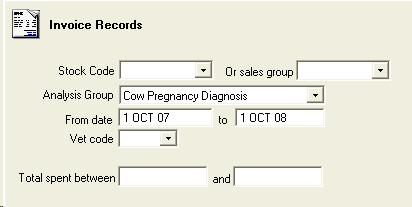
  2. Select Search Invoice details > Invoice
  3. Select Analysis Group and enter a Date Range.

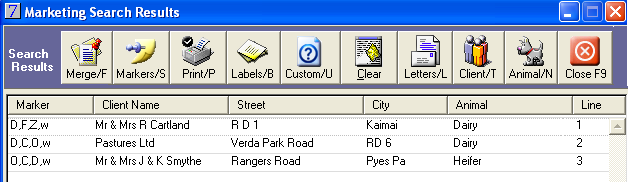
Results

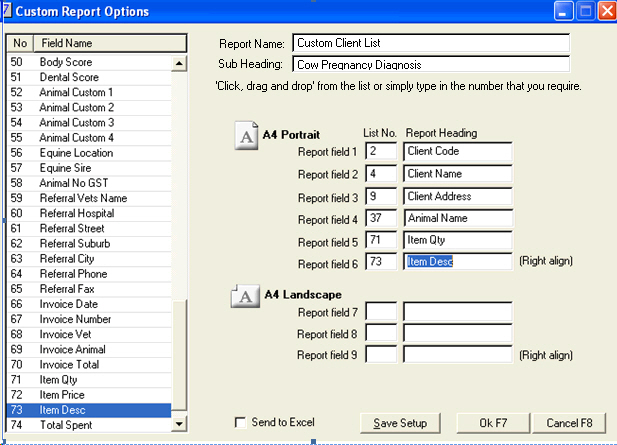
To find the number of cow PDs, click on Custom report and add an extra field, Item Qty to this search.

Remember that this will only carry through the quantity if the number of PDs per visit has been included in the Qty on the invoices.
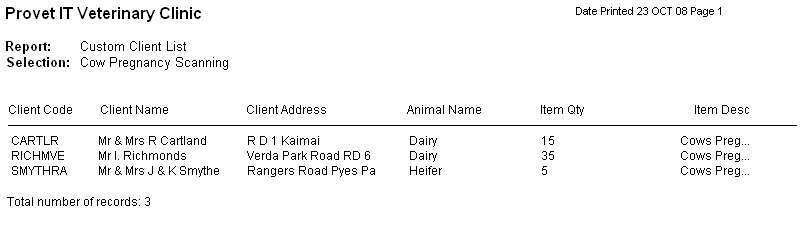
Result

This report can also be sent to Excel by selecting Send to Excel. If sent to Excel, the Sum function in Excel can be used to calculate the total number of PDs.

See Also

Search Examples

To create a template for A4 sheets of address labels

To Find a List of all clients with an email address + preferred contact method

Top Clients by Amount Spent

To find out how many clients are in your database

To list all clients with senior cats

To display a list of dogs under 10 kg, over 5 years old that have not had a dental procedure in 2 years

To display a list of herd sizes

To find dog-owning clients who don't buy dog food

Farm worming programme

To find out how many live animals are in the database

To track out of town work

To list all patients seen by a certain vet in a specific month

To record details on how new client found the clinic

*** Animal Analysis Groups ***

*** Animal Analysis Groups ***

Bulk updating of Animal Analysis Groups

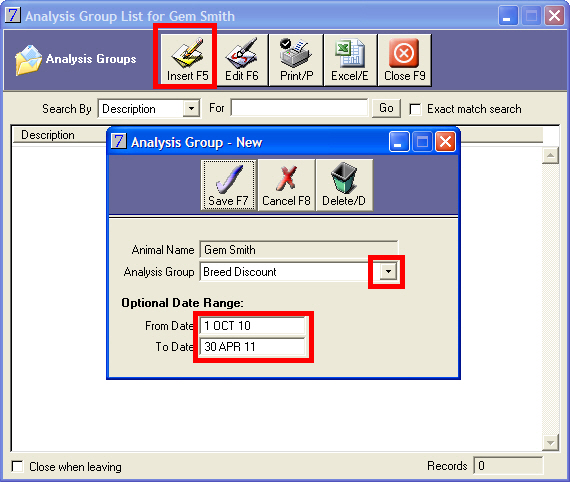
Animal analysis groups can be applied to groups of animals from the list of results from a marketing search.

Go to: Main menu > Clients module > Clients menu > Marketing Schedule > select search > Run.

From the Marketing Search Results window, select the animals that the Animal Analysis group will apply to.

Click Bulk Update at the bottom of the window.

The Bulk Updates window will be displayed.

Select whether the update will apply to All Listed Records or Select Lines Only.

Use the Animal Analysis Groups list arrow to select the required animal analysis group.

Select Add, if not already selected.

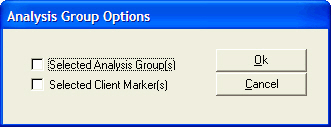
Click Update Analysis Groups. The following prompt will be displayed. Click Yes to continue.

The following message will be displayed. Click OK to continue.

Click Close to close the Bulk Update window.

Using the Animal Analysis Groups in Marketing Searches

Go to: Main menu > Clients module > Clients menu > Marketing Schedule > Insert > Animal tab.

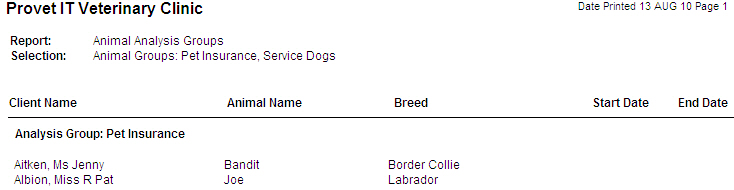
Animal Analysis Group can be used as a parameter for marketing searches. The closing date range can also be searched, for example, if you want to identify all the animals whose pet insurance or loyalty club membership is close to expiry, so that you can send reminder letters or communicate to them about the benefits of the scheme.

New Animal Analysis Groups can be added to the results of marketing searches.